Dibblit
Build your own games with AI on tiny embedded devices.

Games you can build with Dibblit
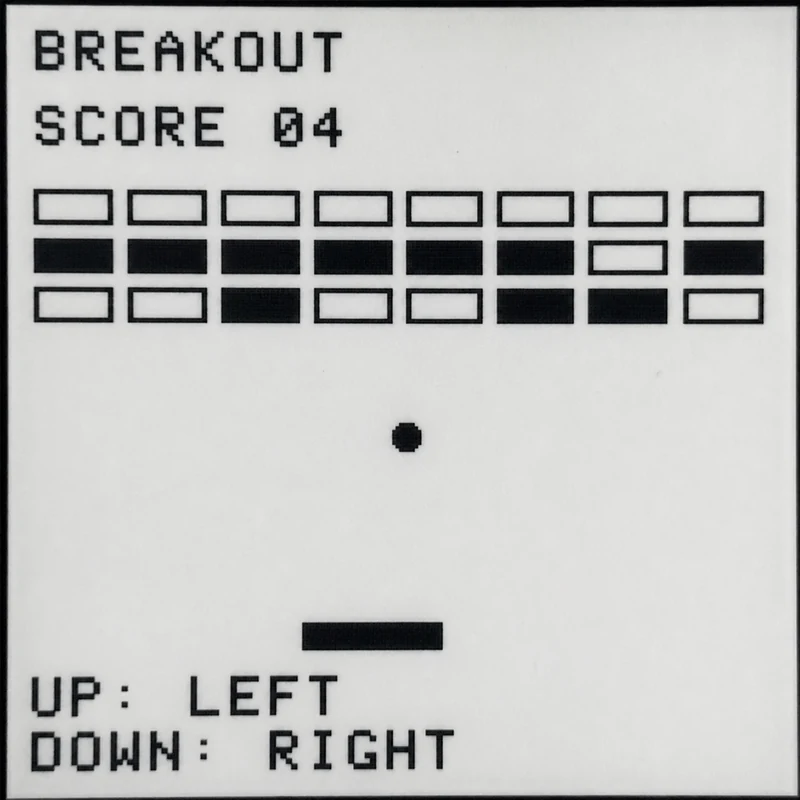
Brick Breaker
Your
creation
awaits!
creation
awaits!
Quick demo
Demo video coming soon
Make your own Dibblit
1
Get the hardware
Waveshare ESP32-S3 Touch ePaper 1.54 (V2)
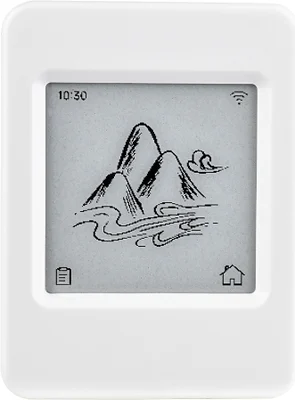
A palm-sized e-paper touchscreen with two buttons and a microphone.
Sold by Waveshare
Open Waveshare
This is a direct, non-referral link. Dibblit receives no money or referral fee from the purchase.
2
Software setup
Plug your Dibblit into this computer with a USB cable, then click the button below. This installs firmware only; it does not load provider access onto the device.
3
Prepare online access
Give Dibblit a small amount of provider credit to make games. The device keeps up to 25 creations, playable offline.
Provider setup instructions
OpenRouter — speech transcription
- Create the adult-owned account and add $5 on Credits; leave automatic recharge off.
- On API Keys, create a Dibblit-only key with a small total limit and no reset if available, plus an expiry. Securely save the key when it is shown once.
JoinGonka Gateway — game planning and generation
- Create the adult-owned account and check its available credits.
- Follow the official Management Keys guide to create a child key with a low daily or monthly limit, a short expiry, and a low request-per-minute limit. Never place the management key on the device.
Load the device
- Open Connect your Dibblit in Chrome or Edge on a laptop. Enter Wi-Fi and the two limited device keys, then connect through USB. No terminal commands needed.
4
Say your first game
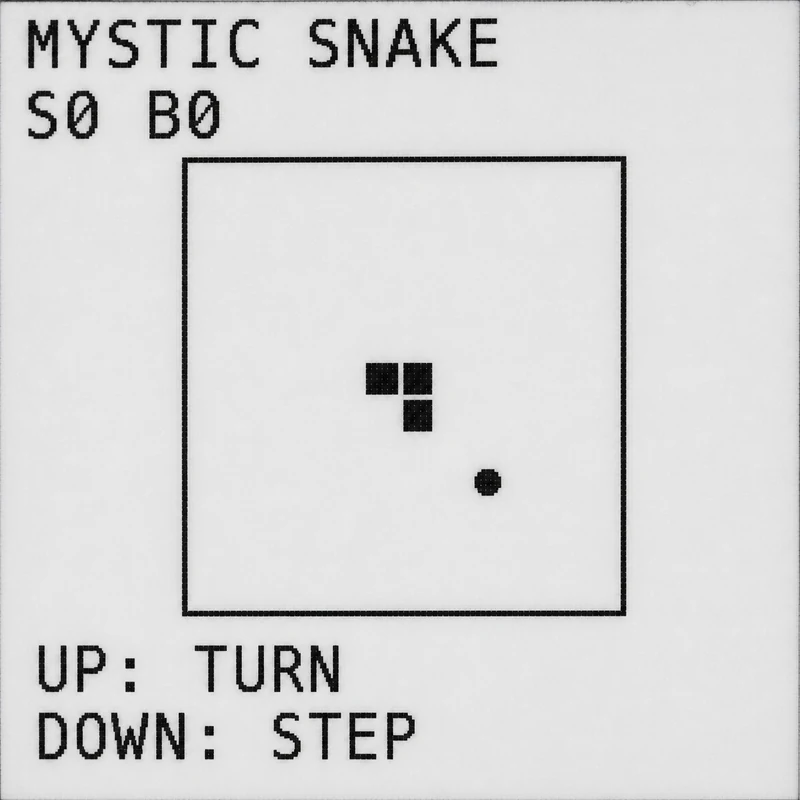
Try “snake, but the apples run away.”
Factory Snake and installed games work offline.
FAQ
Is Dibblit safe and private for kids?
Finished games run offline, with no Dibblit account, ads, or tracking. Online generation sends data directly to the configured providers. An adult must review their current terms, privacy, retention, and child-use rules before manual developer provisioning.
How does Dibblit work?
Say a game idea out loud. Dibblit turns your voice into a playable game. Once made, games live on the device and work offline.
What kind of games can I make with Dibblit?
Puzzles, arcade games, reaction games, word games, and tiny adventures designed for Dibblit’s screen and buttons.
Why separate hardware? Why not make games on a phone or laptop?
Constraints bring focus, and creativity.
Do I need an account?
Dibblit has no account. One-time parent setup requires separate adult-owned OpenRouter and JoinGonka Gateway accounts; installed games need neither account while played offline.
Does the website activate online game building?
The USB setup page saves your parent-provided Wi-Fi and limited provider keys directly to Dibblit. It makes no network requests. After setup, the device talks directly to the providers; no Dibblit account or service is involved.
Who is behind Dibblit?
Dibblit is an open-source DIY project, not a company, built by Claude Fable and ChatGPT Sol, prompted by Dan Girshovich. The static website distributes reviewed firmware and links adults directly to the two providers. It collects no payment or keys. Online requests go directly from manually provisioned developer firmware to the providers; generated games remain local and offline.